Launcher installation
Important
Follow this step-by-step guide to be able to use the launcher provided by ggcode.
Step 1: Connect Server
Location: ConnectServer/
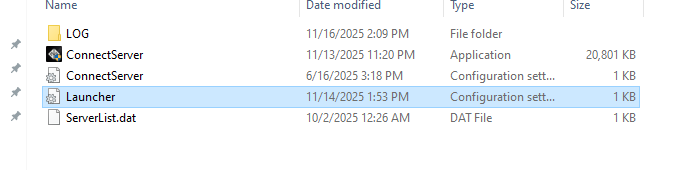
File: Launcher.ini
- Navigate to the Connect Server directory
- Put the Launcher.ini file inside of the folder
- Configure infos inside of the file
[LauncherInfo]
LauncherUpdateURL = "https://mywebsite.com/"
LauncherUpdateList = "manifest.txt"
LauncherUpdatePath = "Update/"
Info
- LauncherUpdateURL is a main url from your website
- LauncherUpdateList is the name of update list
- LauncherUpdatePath is the location of the update folder inside of the sensitive
Step 2: Client Files
Location: ClientFolder/
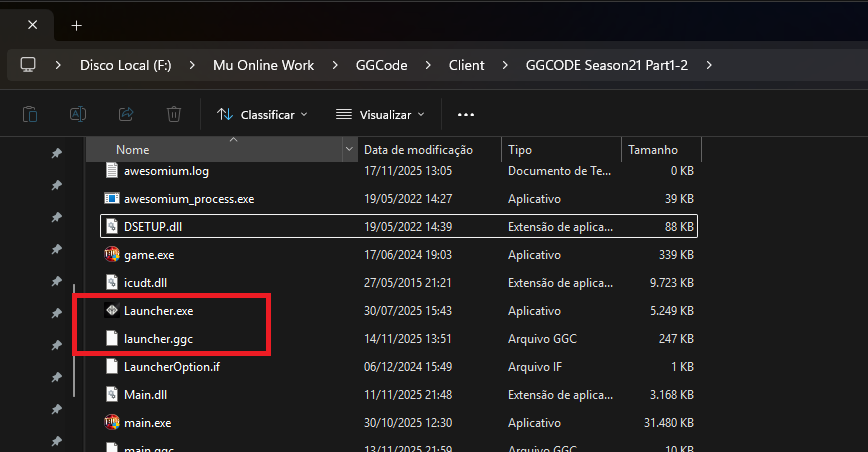
File: Launcher.exe
File: Launcher.ggc
- Navigate to the Client folder
- Put Launcher.exe and Launcher.ggc inside
Step 3: Update Generator
Location: UpdateGenerator/
Executable: UpdateGenerator.exe
- Navigate to the Update Generator directory
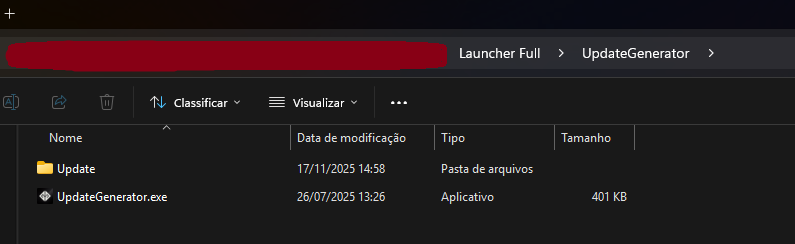
- Put your update fales inside of Update Folder
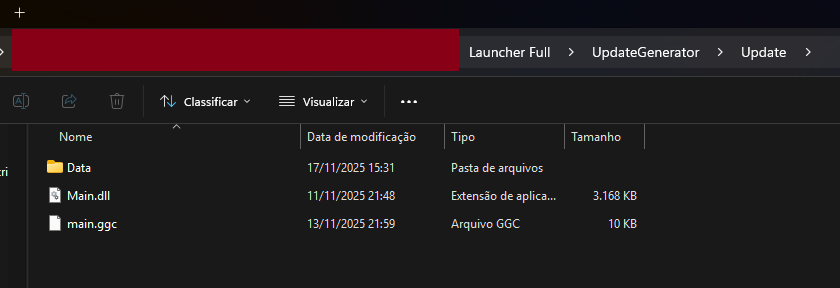
- Dragg Update folder to UpdateGenerator.exe
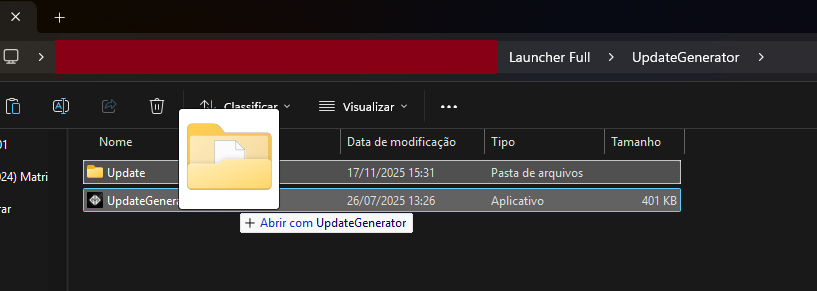
- Upload the Update folder and the manifest.txt (that was generated) to your host.
Your launcher is now configured and ready to use.!